
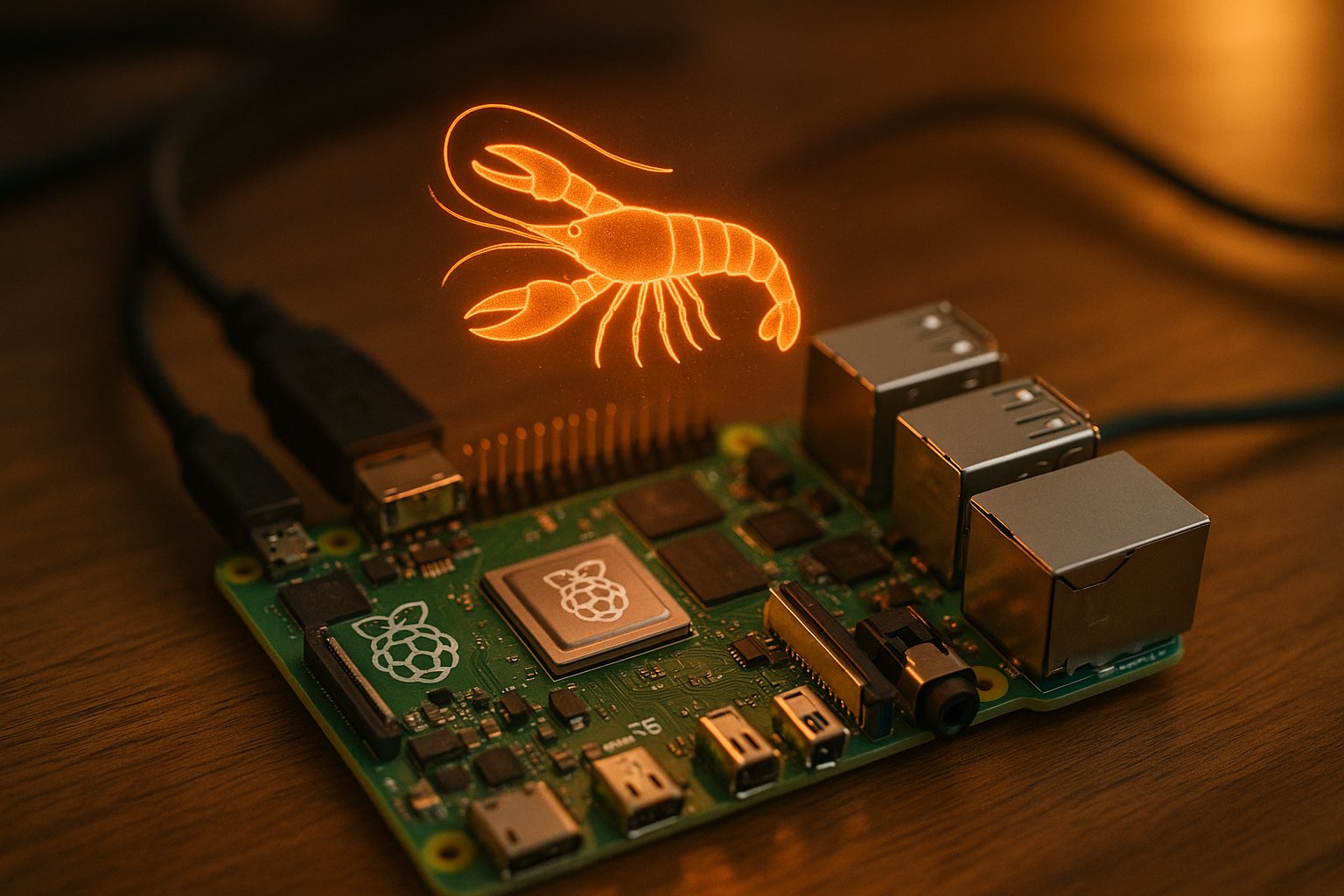
The $80 AI Agent — Raspberry Pi Officially Embraces OpenClaw
The Raspberry Pi Foundation — not a hobbyist, not a YouTuber, but the organization that builds the hardware — published an official guide this week for running OpenClaw on a Raspberry Pi 5. The article walks through setting up the agent, demonstrates a wedding photo booth that the AI built entirely by itself, and even mentions PicoClaw running on a Pi Zero 2W.
Adafruit amplified it within hours. Hardware guides are appearing from independent engineers. Medium tutorials document headless setups with local LLMs. The message from the maker community is clear: the cheapest viable always-on AI agent is not a Mac Mini. It is an $80 single-board computer with 8 gigabytes of RAM.
Why This Matters
When the Raspberry Pi Foundation writes about your software, it signals something specific: the project has crossed from developer tool into maker infrastructure. The Pi ecosystem is 60 million devices strong. Its community builds weather stations, home automation systems, retro gaming consoles, and industrial controllers. These are people who run headless Linux boxes 24/7 and think nothing of it.
That is exactly the deployment profile OpenClaw was designed for. A Pi 5 running OpenClaw on a shelf, connected to Telegram or WhatsApp, managing your calendar, checking your email, running scheduled tasks — always on, consuming about 5 watts. No fan noise. No subscription. Just a credit-card-sized computer doing the work.
The wedding photo booth demo from the Raspberry Pi blog is particularly telling. The author connected a camera to the Pi, pointed OpenClaw at the problem, and within a couple of hours the agent had created all the necessary files, built the webpage, configured a Wi-Fi hotspot for photo downloads, and set up admin access. No code was written by a human. The AI agent built the entire appliance.
The Hardware Reality
Not every Pi will do. Independent testing by engineers in the community reveals the gap between "technically runs" and "actually useful" is significant.
A Raspberry Pi 3 with 1 GB of RAM can boot OpenClaw. It will struggle the moment you add browser automation, multiple messaging channels, or any real workload. A single modern webpage in headless Chrome can consume 70 to 150 MB of memory. On a 1 GB system, that is a crash waiting to happen.
The Pi 4 with 4 GB works. The Pi 5 with 8 GB is the sweet spot — roughly $80 for the board, with genuine headroom for multi-channel messaging, browser automation, and the features you will inevitably add later. Active cooling is recommended under sustained workloads.
The performance gap is not trivial. The Pi 5's Cortex-A76 at 2.4 GHz delivers roughly three times the single-thread performance of the Pi 3's Cortex-A53 at 1.4 GHz. When your AI assistant takes seconds to respond to simple commands, as one engineer noted, "the magic disappears."
The Local LLM Angle
One Medium tutorial documents something even more interesting: running OpenClaw on a Pi 4 backed by a local LLM served through LM Studio. No cloud API. No monthly token bill. The entire stack — agent, model, and inference — running on hardware you own, on your desk, consuming less power than a desk lamp.
The practical limitations are real. Local models on Pi hardware are smaller and less capable than Claude or GPT. But for structured tasks — home automation, simple scheduling, notification routing — they may be enough. And for anyone concerned about the privacy implications that Northeastern University and CrowdStrike have raised about OpenClaw, running the entire stack locally with no external API calls is the most complete answer available.
The Bigger Picture
OpenClaw started as a project for developers comfortable with terminals and Docker. One-click deploy platforms tried to bring it to everyone, and Peter Steinberger pushed back. The Raspberry Pi community offers a third path: people who are comfortable with hardware, comfortable with Linux, and comfortable reading documentation — but who are not necessarily software developers.
A retired engineer who builds weather stations can run OpenClaw. A home automation enthusiast who already has three Pis in their house can run OpenClaw. A student with an $80 budget and a weekend can run OpenClaw.
At 60 million devices and counting, the Raspberry Pi ecosystem may be the most natural home OpenClaw has found yet. The agent that was too dangerous for one-click deploys turns out to be a perfect fit for the community that reads datasheets for fun.